How to create social media posts in PowerPoint
I’ve always used PowerPoint for my social media posts, from YouTube thumbnails to LinkedIn banners and everything in between. It was a bit tricky getting

I’ve always used PowerPoint for my social media posts, from YouTube thumbnails to LinkedIn banners and everything in between. It was a bit tricky getting
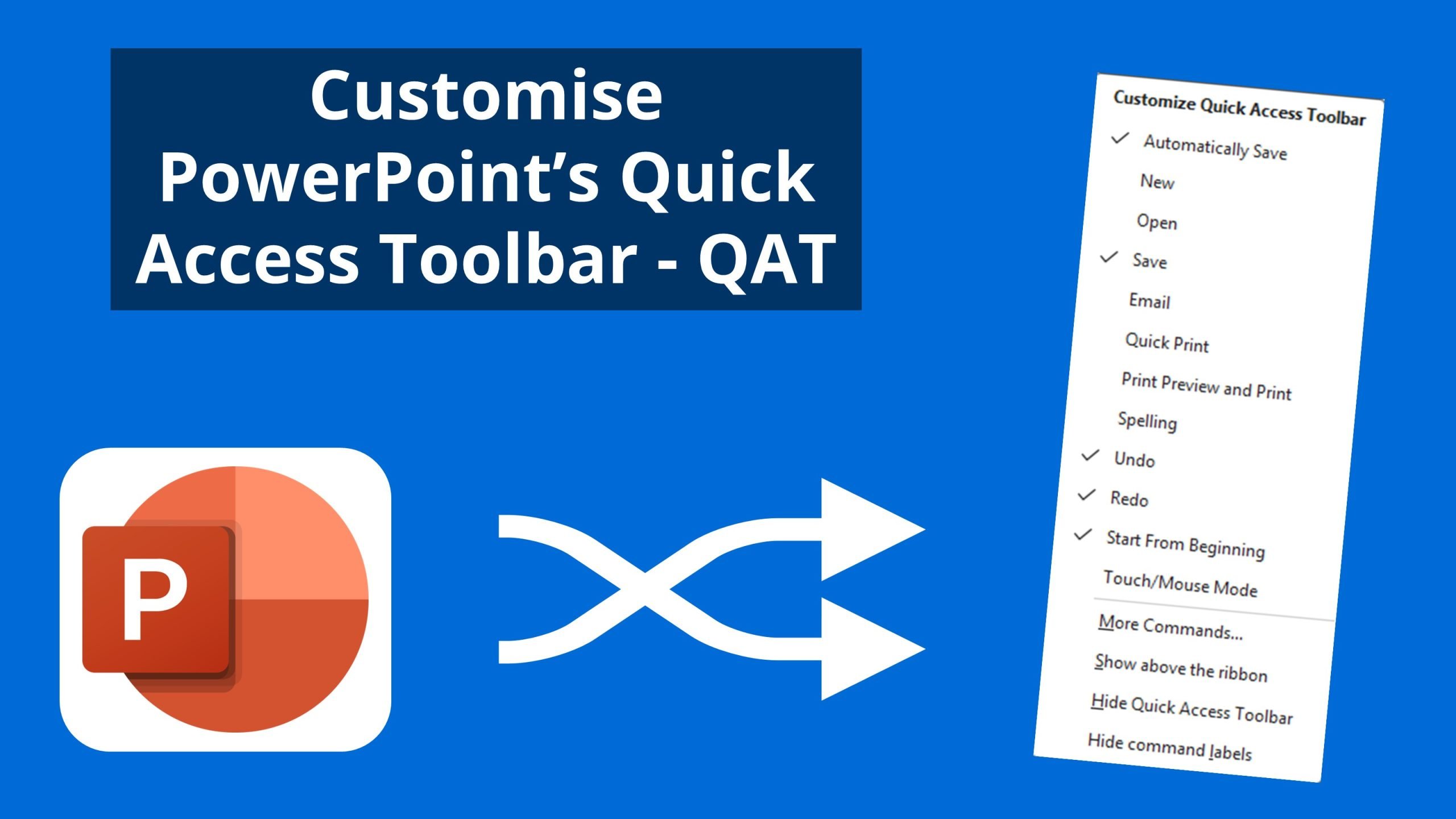
Microsoft applications feature the Quick Access Toolbar, a space where you can pin frequently used tools for easy access. Customising this toolbar can save time
There is a lot of talk of AI within organisations, with some being hesitant to get started. If you are using PowerPoint, then you are
A theme in PowerPoint is a predefined set of colours, fonts and visual effects that can be saved and applied to other PowerPoint files for
A theme in PowerPoint is a predefined set of colours, fonts and visual effects that can besaved and applied to other PowerPoint files for a
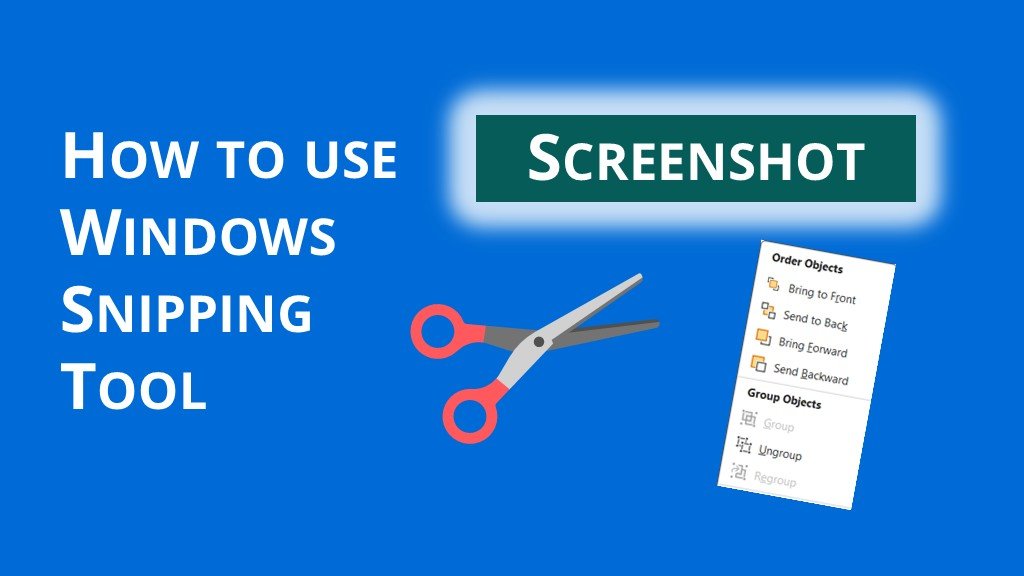
Have you noticed a change to the Snipping Tool in Windows 11? The Snipping Tool now automatically captures drop-down menus! This update makes it easier

There are great tools directly in PowerPoint for taking screen captures for your slides. Let’s start by taking a screenshot from within PowerPoint. On the
In today’s busy world, efficiency and productivity are key. Microsoft 365’s Copilot in PowerPoint is here to help you achieve just that with its powerful
A Night to Remember at the Oriel House Hotel We’re excited to share that Empower Presentations made it to the finals of the Cork Chamber
In this post, we focus on PowerPoint keyboard shortcuts. Here are over 50 useful shortcuts for PowerPoint; Getting Started Create a new presentation – Ctrl